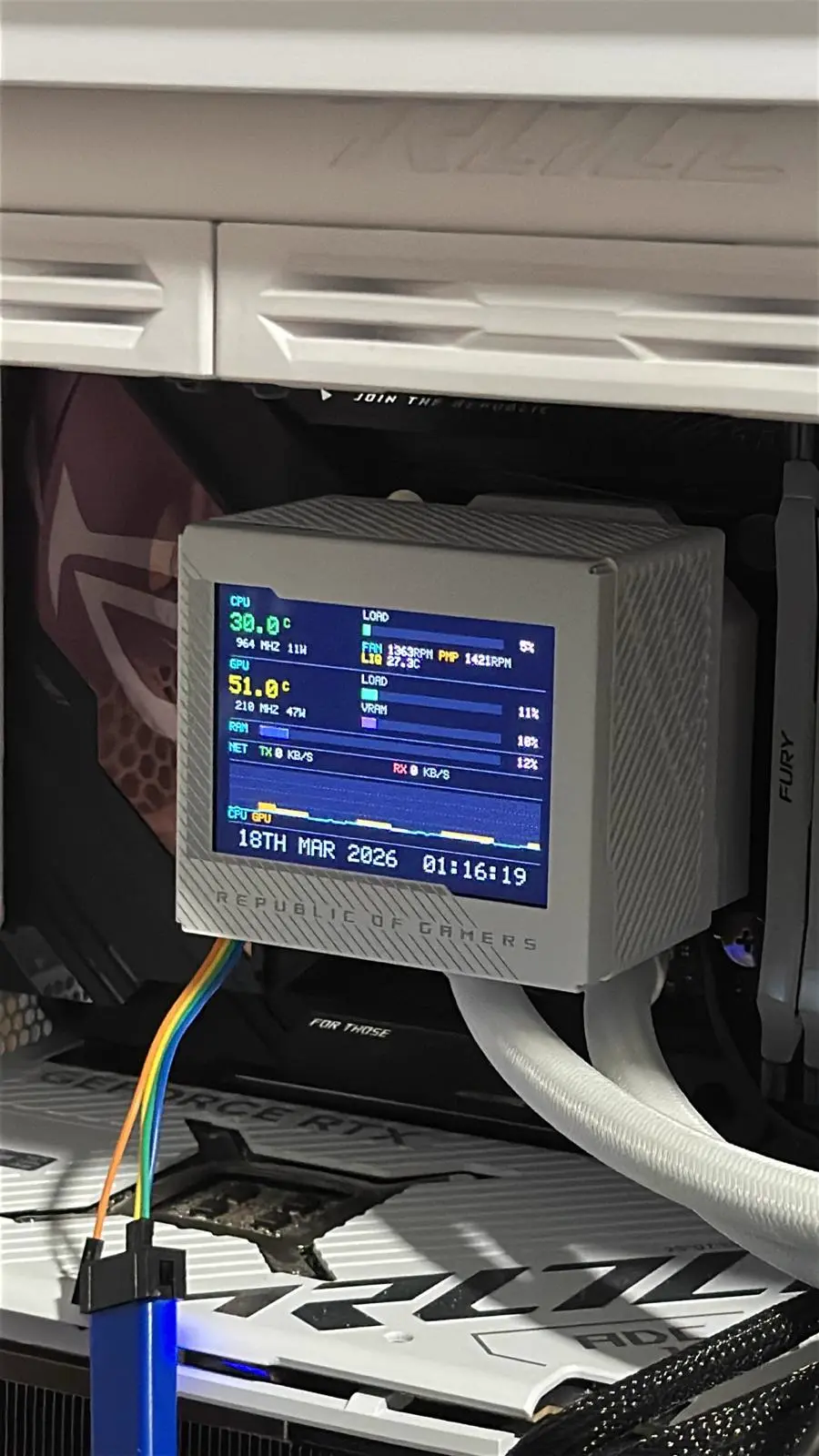
Doom on my CPU cooler
The ASUS ROG Ryujin III has a 320x240 LCD on top of the pump block. It’s driven by an STM32H750 — a Cortex-M7 running at 480 MHz with 32MB of QSPI flash, 32MB of SDRAM, and a high-speed USB connection through an external ULPI PHY. That’s a proper computer. It deserves Doom. I’d never soldered anything, never used an ST-Link, never written a linker script. I had Claude do it.
Reverse engineering the firmware
Before writing anything, I needed to understand what was already on there. I had Claude reverse engineer the stock firmware blob and the ASUS flashing utility using Ghidra. The bootloader sits in the 128KB internal flash, separate from the QSPI where the main firmware lives — it’s not in the firmware blob. We mapped out its behaviour from the flashing utility: a simple 32-bit additive checksum — not cryptographic — and it boots from 0x90001000, not the start of QSPI. There’s a 4KB ASUS header at offset zero.
Then we pulled the bootloader itself via the ST-Link and reversed it to figure out how it enters bootloader mode — the magic values it stashes in SRAM4 (0xBEECAFFE for successful validation, 0xDEADBEEF at offset 0xFFC to force bootloader mode on next reset). After that we just used the ST-Link to flash directly, with the intent of keeping it flashable from the stock utility — but you’d still need to manually restore the FAT16 filesystem on the QSPI.
We figured out the panel auto-detection over SPI6 — the device ships with two different LCD controllers (ILI9322 or ST7272A) and the firmware probes for which one it has. We extracted the LTDC timing parameters, the SDRAM init sequence, the Asetek pump I2C protocol. Everything needed to write a replacement from scratch.
Oh no I bricked it
The first custom firmware I had it build didn’t include a USB stack. It compiled, it flashed, the screen came alive. Or rather, it was a blank screen and the fan stopped spinning at 100%. Fortunately Asetek have their head screwed on, and if you pull the head off the cooler it ramps the pump to 100%, so it was never in any danger. Claude apologised profusely. But I couldn’t talk to it any more. No USB meant no way back into the bootloader. The device was bricked.
I told Claude. It asked me to take photos of the PCB.
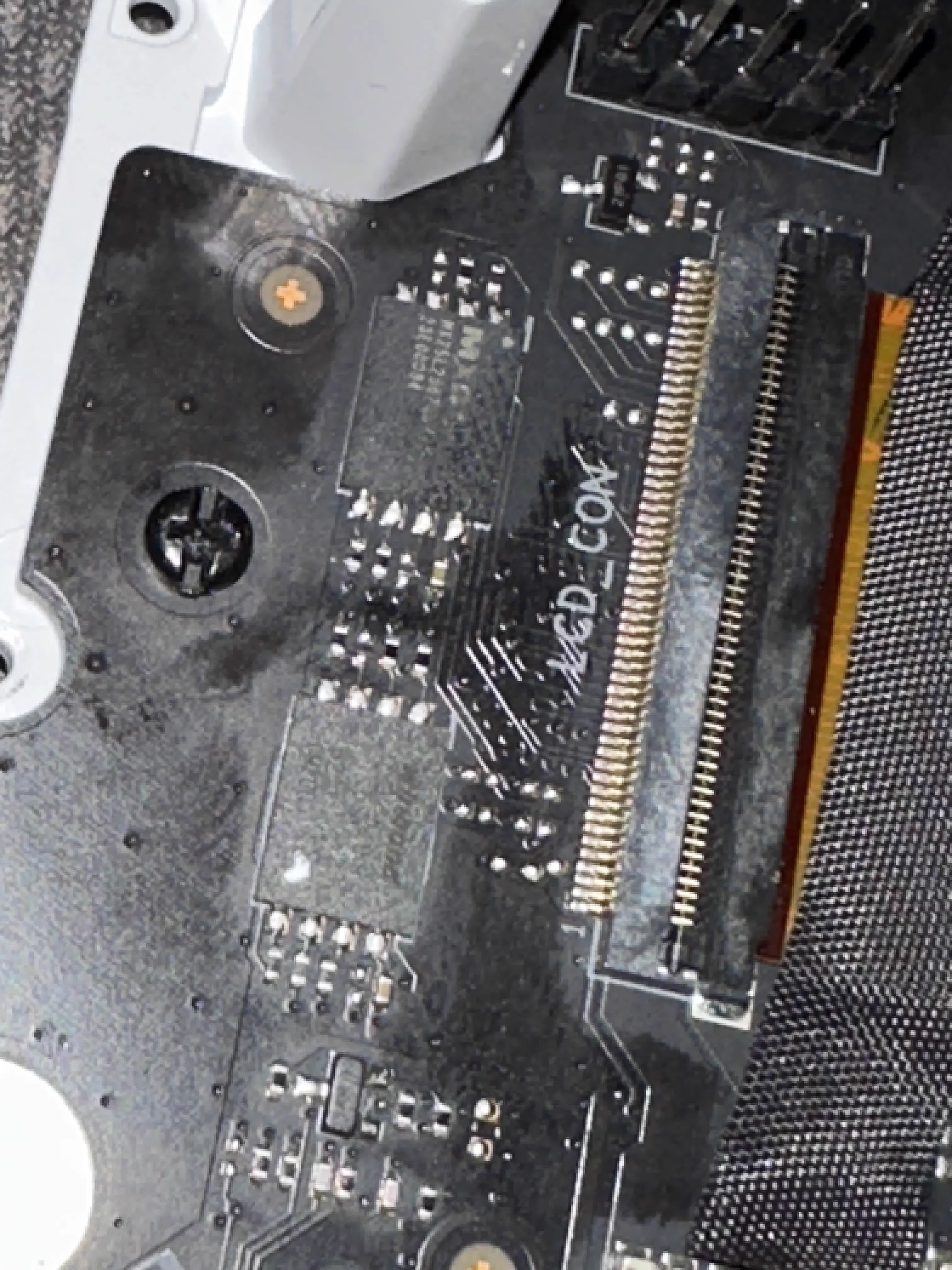
I did. It identified an ARM SWD debug header on the board — the unpopulated pads near the STM32. It told me what to buy: a ST-Link V2 clone (about a fiver on Amazon), some test hook clips, dupont connectors and jumper wires to solder onto the unpopulated through-holes — all from Amazon. It told me how to use my multimeter to identify the pads — use continuity mode with the device unpowered to trace ground, never probe a powered board in continuity mode (it told me after I had already done it) — and which pads were SWDIO, SWCLK, and ground based on the STM32H750’s pinout and the board layout. It wrote the OpenOCD configuration, including the QSPI initialisation sequence needed to write to the external flash through the debug interface.
I soldered on some wires, connected the ST-Link, ran the OpenOCD script, and got a test pattern.
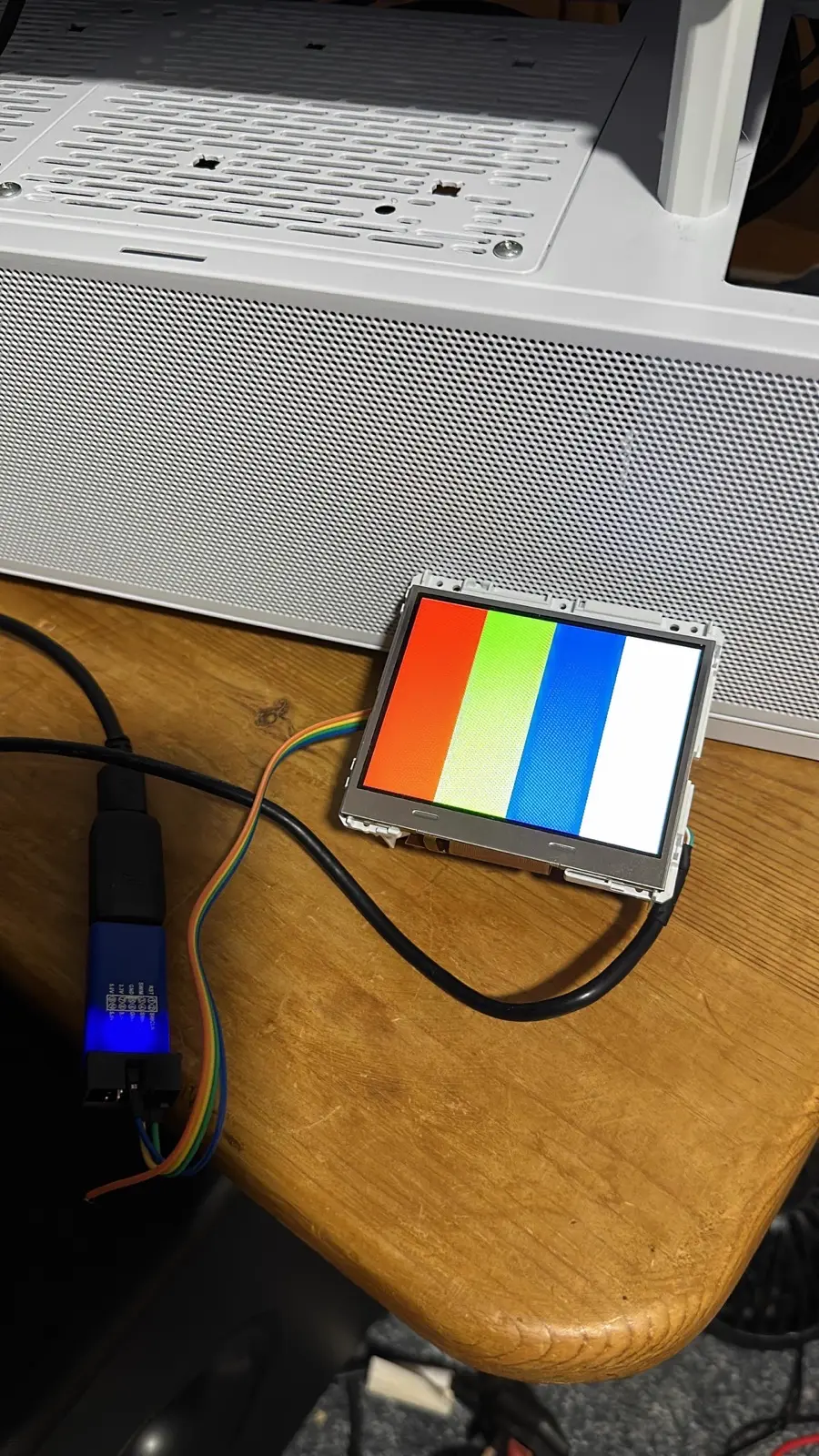
That test pattern was the sigh of relief. The AI then immediately backed up every flash on the device before we touched anything else. After that, every firmware build included USB from the start.
The firmware
The custom firmware grew from there. First came the demo effects — plasma, vortex, metaballs, starfield. Hello pouet.net. First attempt ran at 12fps — it was doing all the trig calculations live. People often say AI doesn’t know what it’s doing, you need human oversight, better learn graphics programming and low-level optimisation. They’re right. lol jk. I looked at it and said “make it better. 60fps to match the max refresh rate of the screen.” It added cosine lookup tables, optimised the render loops, triple framebuffering in SDRAM with VBR vsync swaps via the LTDC hardware, the lot. And lo and behold. All at 60fps. It took a long time — maybe 30 minutes — but it got there in the end.
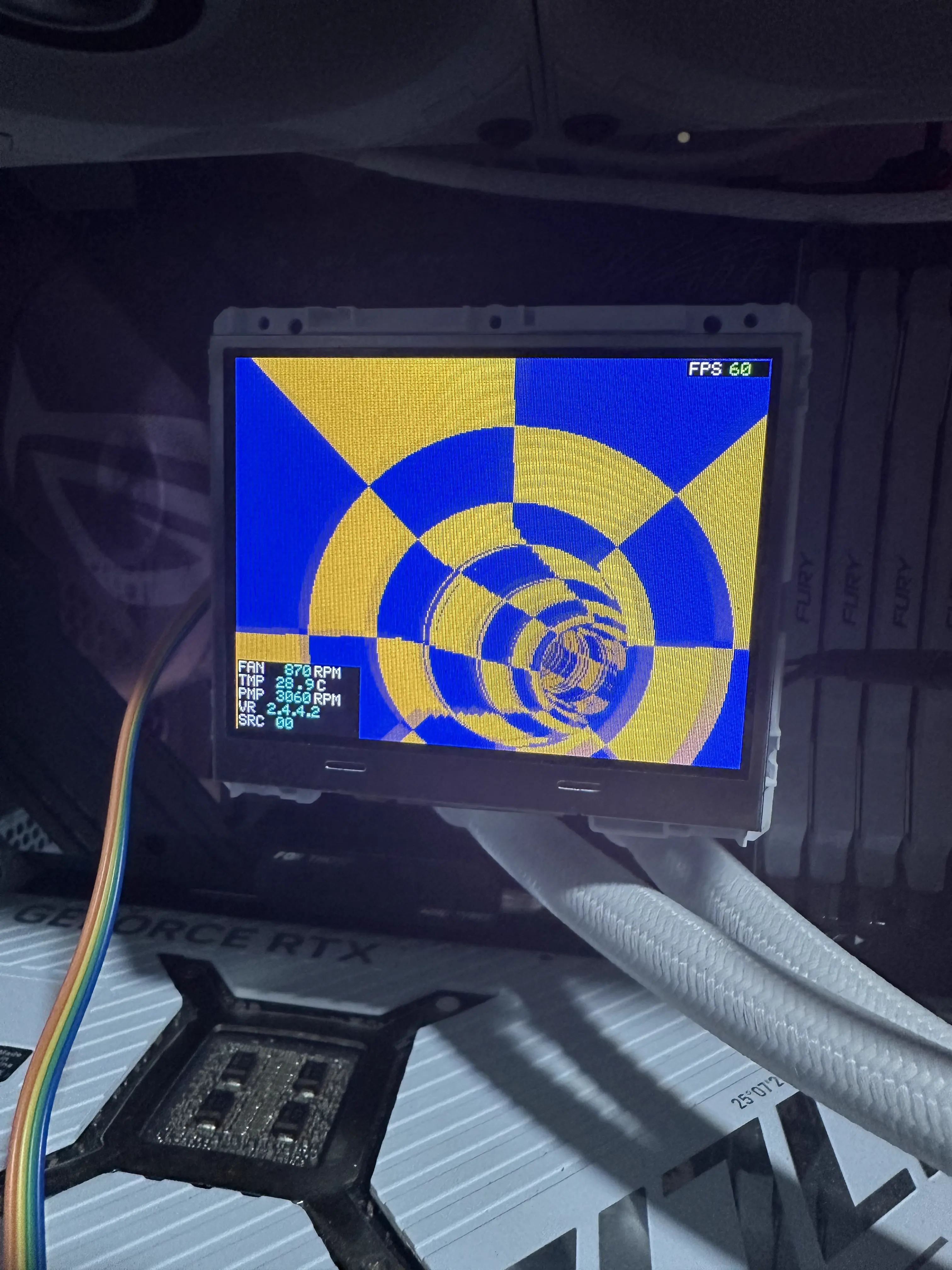

Then rudimentary fan curves with a 2D signed distance field renderer drawing Catmull-Rom splines (yeah, me neither) for the curve display.

Then I thought, what does everyone do with a screen they shouldn’t have? Oh yeah. Doom. Fuck it.
A Doom port running on the 320x240 display — WAD loaded from the 32MB Macronix data flash over SPI, the same flash that used to hold the lacklustre ROG GIFs. Input handled over USB via a pygame script on the host, the game running entirely on the cooler.
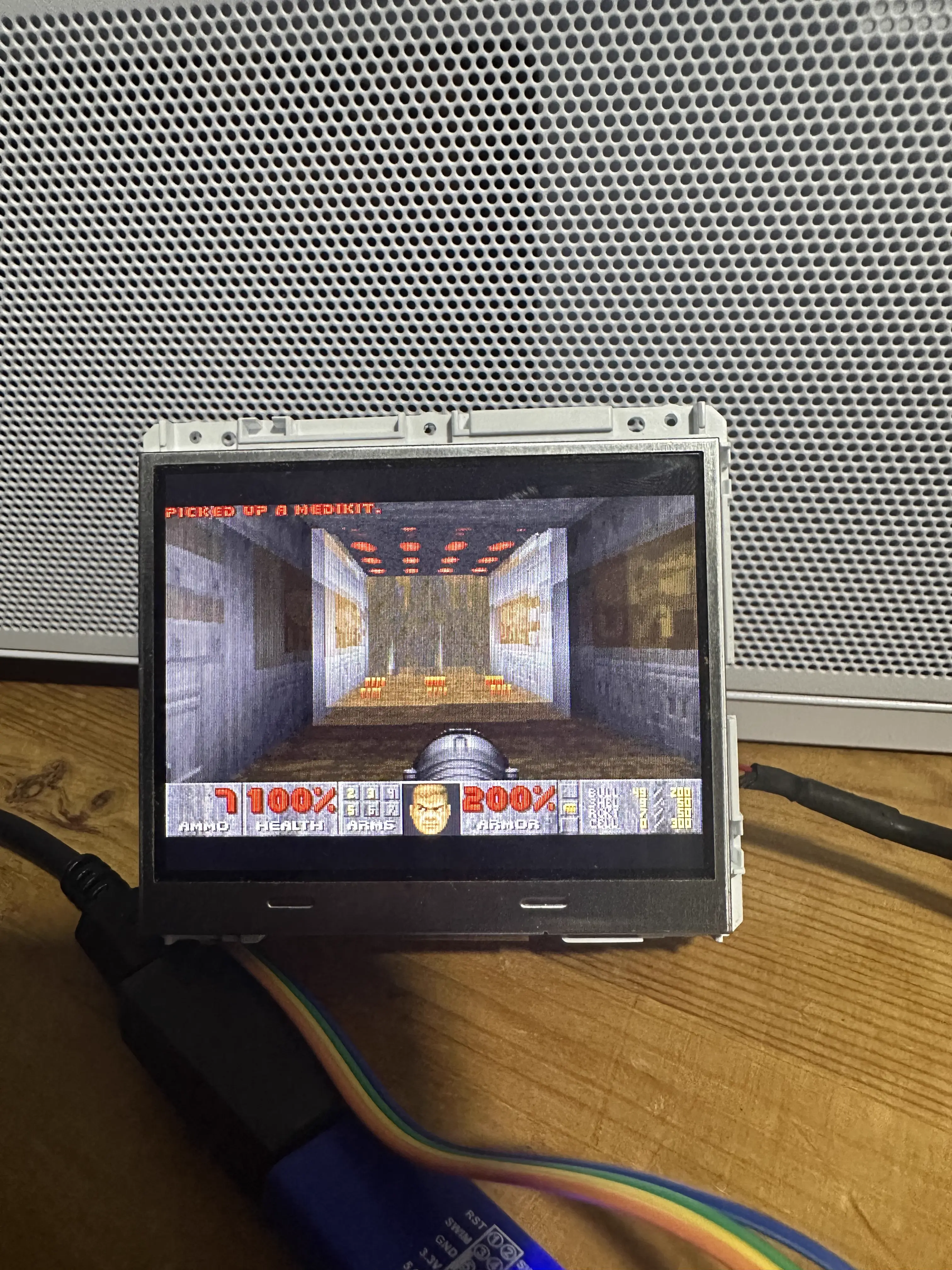

Now it runs a much more sensible dashboard — tri-state fan and pump control (passthrough to Asetek’s internal curves, custom curves stored in flash, or real-time host override), live sensor telemetry, and a proper interrupt-driven USB stack. The fun stuff — Doom, the fluid sim — got stripped out of the main branch once the fan control was stable, but they proved the platform worked.
What I learned
There’s no reason ASUS couldn’t have made the pump self-sufficient — the Asetek controller already has liquid temperature on I2C, and the stock fan curves use liquid temp anyway, not CPU temp. But then you wouldn’t need Armoury Crate, which ASUS auto-installs via WPBT (Windows Platform Binary Table) baked into your BIOS. I wonder why. 👀👀👀👀👀
The STM32H750 in this cooler has more compute than some of the machines I learned to program on. ASUS uses it to display GIFs of the ROG logo from a FAT16 file system that takes 100 years to write to from Armoury Crate. The bootloader is well designed — it’s genuinely hard to permanently brick the device because the internal flash is separate from the QSPI.
The whole project — bootloader RE, protocol analysis, firmware development, the recovery after bricking — was done with Claude. Every Ghidra session, every line of C, every OpenOCD config. I pointed it at binaries and PCB photos and I had it build… it.
(I should pull the chat logs, the realisation that Claude had bricked my device was rather funny. But they’re on my Windows install. Did I mention I use Arch now?)