Colour calibration for my RAM
Everything else in my system — motherboard Aura, GPU, cooler fans — you set them to white, you get white. The Kingston FURY RAM? Yellow. And not even a consistent yellow. Each stick was a different shade.
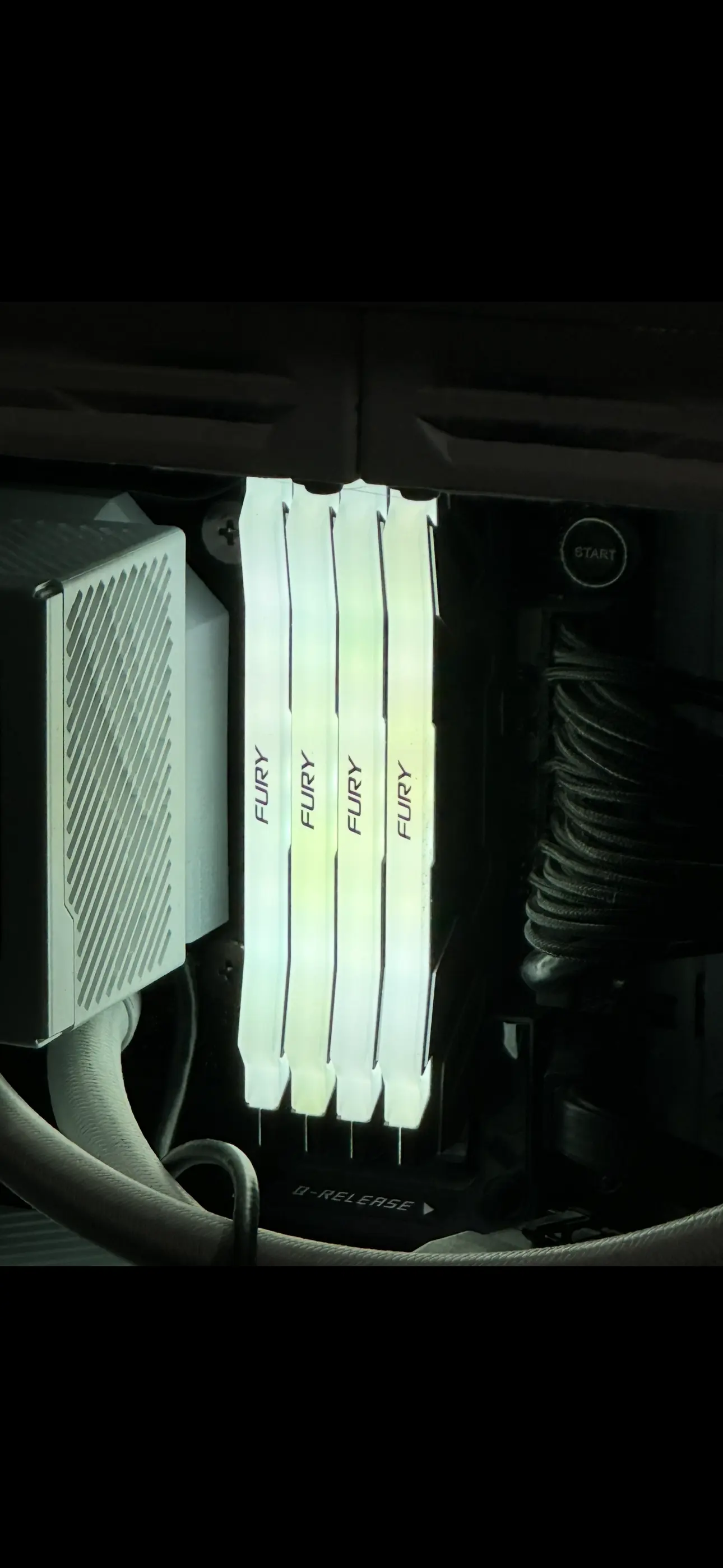
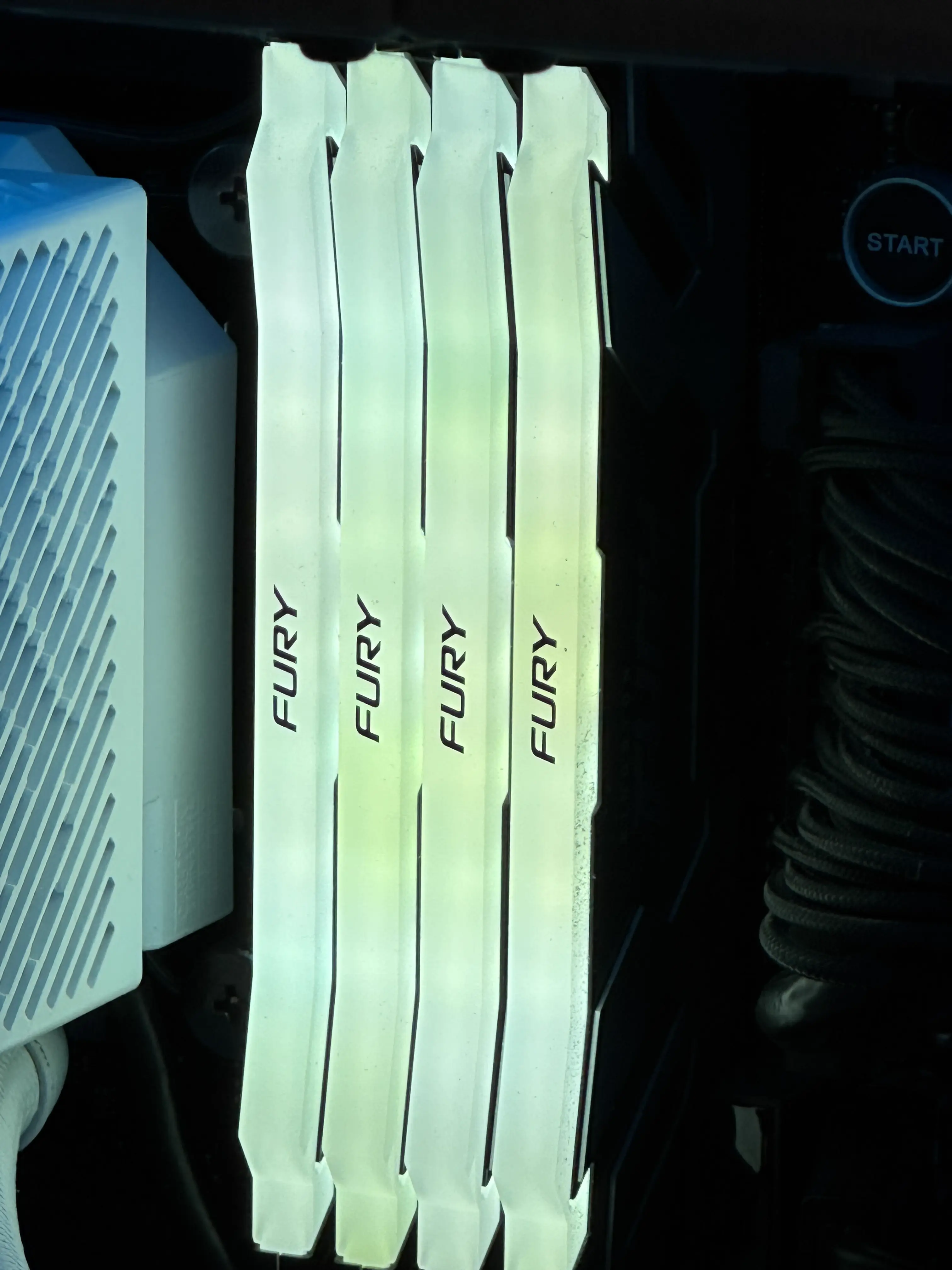
Kingston’s hardware brightness register works fine. The colour order is standard R, G, B. The protocol is clean. The LEDs themselves are just shit. The blue channel is weak across three of four DIMMs, and by different amounts on each stick, so you can’t even apply a uniform correction.
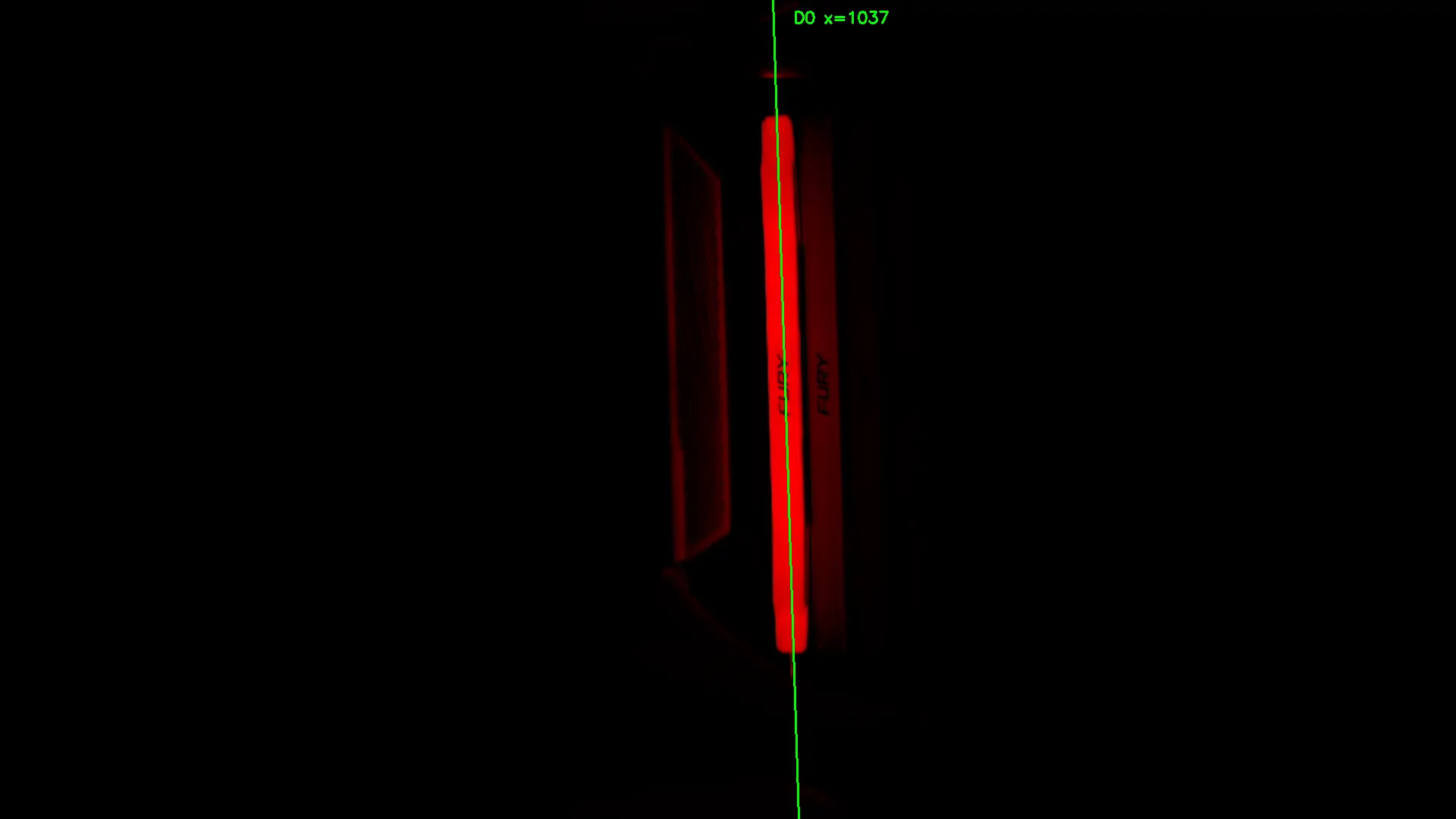
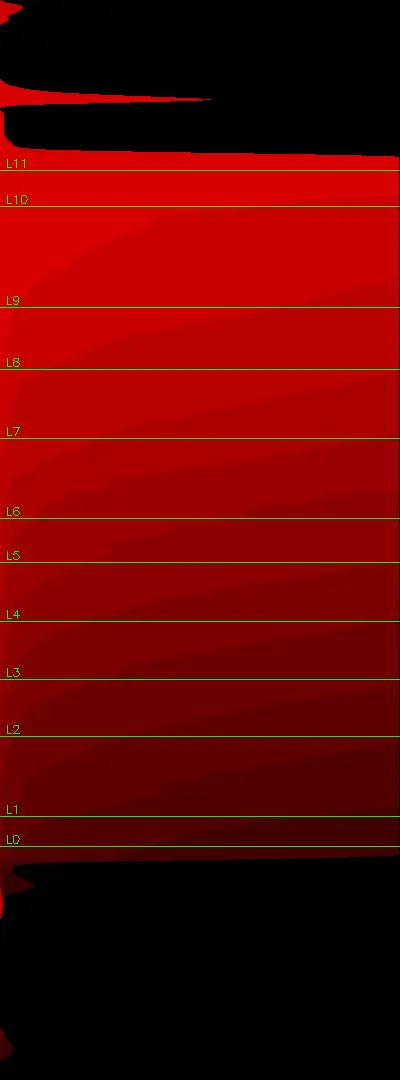
So I asked Claude what it would need from me to calibrate the LEDs. It asked me to point my webcam at the RAM — a Logitech StreamCam on /dev/video0 — lock auto-exposure and white balance. First it set all LEDs to max brightness red to locate each LED position using computer vision. Then it cycled through R, G, B individually, capturing and sampling each channel per LED. From that it computed per-channel correction factors for every LED on every DIMM. At one point its peak detection was picking up six DIMMs instead of four — it identified the extra peaks as reflections off the AIO cooler’s pump housing and excluded them. No squinting, no guessing. But once the correction factors are in the config they apply at startup and you never think about it again.

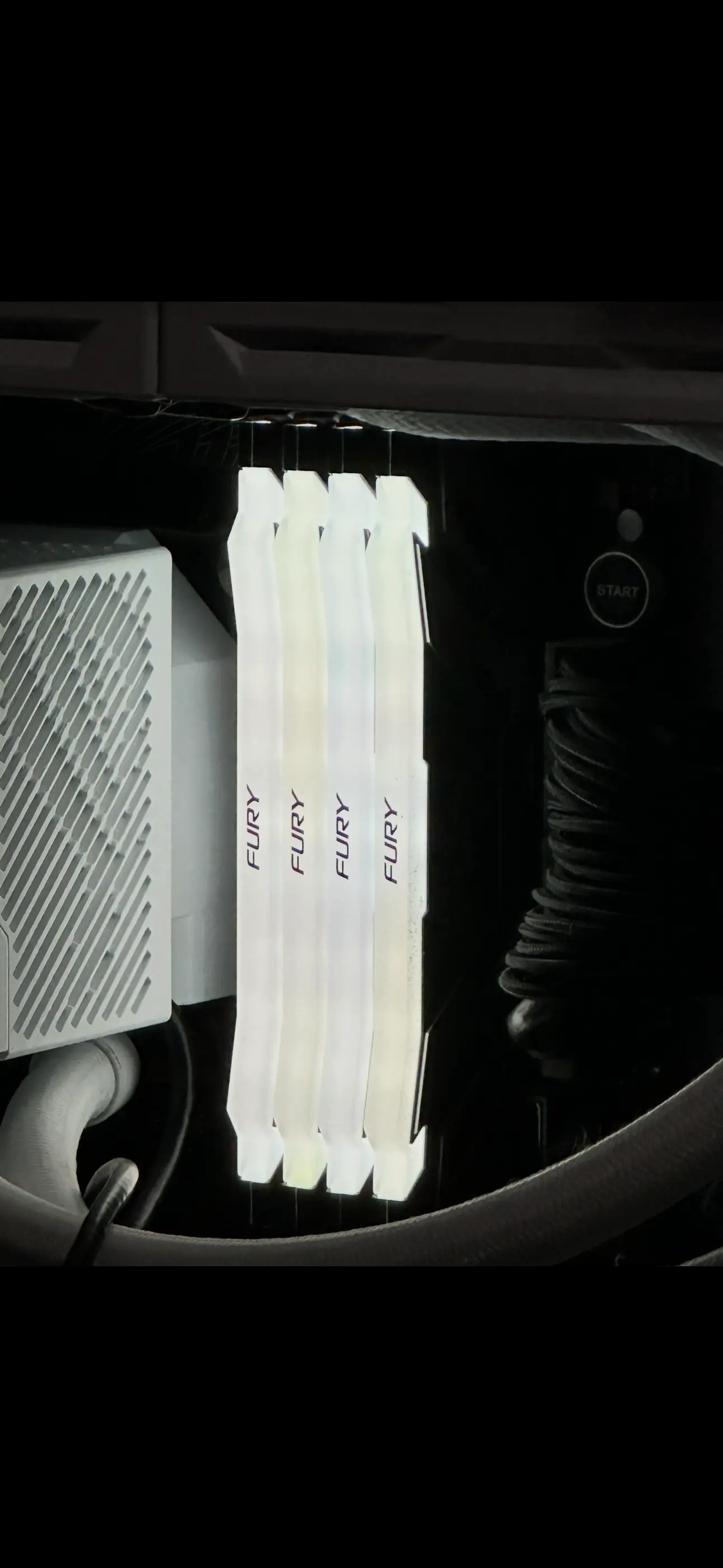
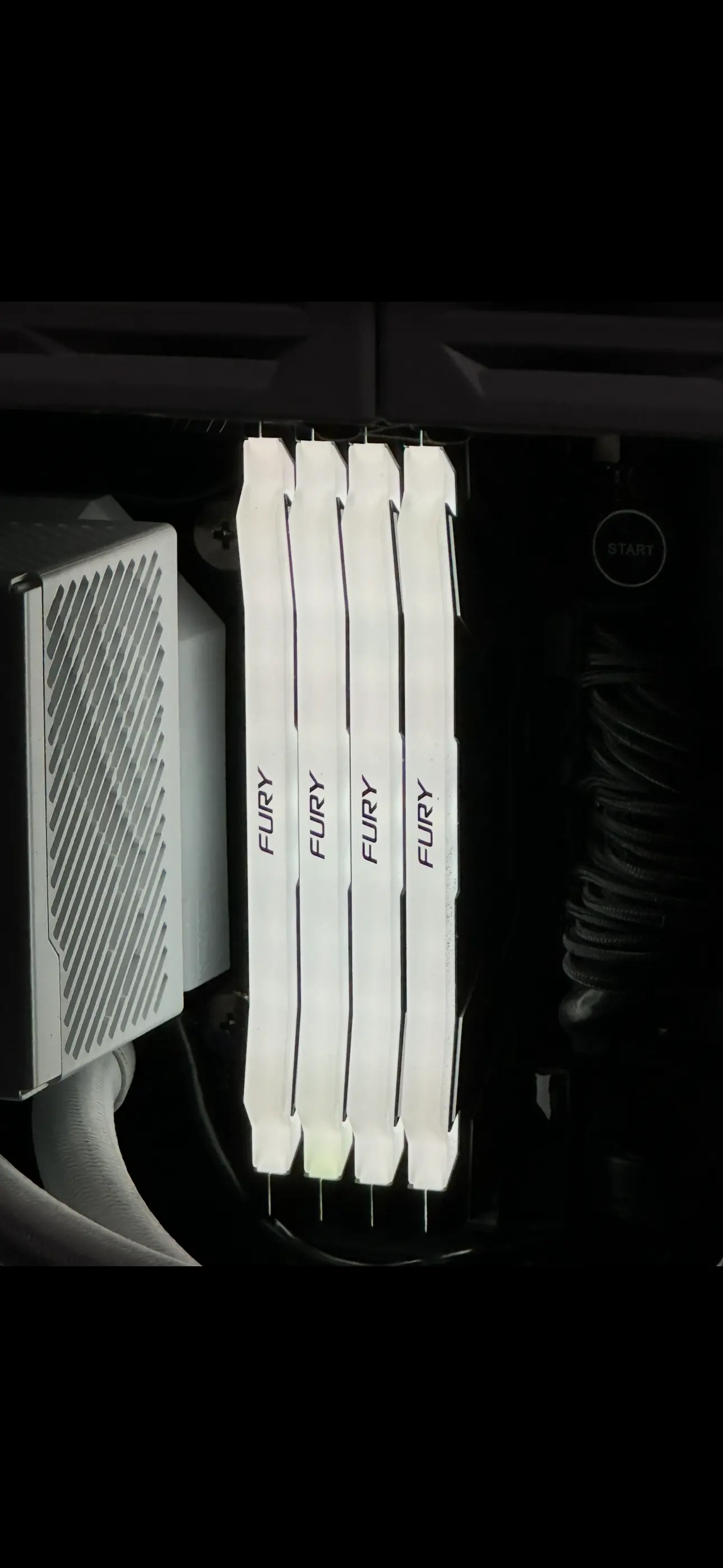
The whole thing took about an hour. An hour to solve a problem that no third-party RGB software I’ve seen even attempts. Kingston’s own FURY CTRL does let you set individual LEDs, to be fair, but nothing else does — they all set a colour per zone with no per-device calibration.
Still, the LEDs were clearly defective, so I told Kingston about it.
Kingston’s response
No questions asked, they authorised a replacement under lifetime warranty. They acknowledged it as a known issue with RGB LED technology. They initially offered FURY Beast RGB (KF560C40BBAK2-64) — a moderate downgrade from my Renegade sticks, which I hadn’t actually realised until Claude pointed it out. I pushed back. Their tech support agent Aleksandar noticed I was running four individual sticks rather than a matched kit. He explained that four individual sticks would always be worse than a kit of four, but no kit of four was available that was guaranteed compatible with my hardware. So he advised on the next best thing: two matched kits of two (2x KF564C32RSAK2-64 — FURY Renegade DDR5-6400 C32). He was upfront that he couldn’t guarantee max rated speed with a 2x2 configuration, which absolutely makes sense — different kits use different components even at the same SKU. Faster than what I had. In the middle of the 2026 RAM crisis, with stock availability issues across the board. Really fucking good support.
I posted my sticks on the Monday. The replacements arrived Wednesday. 36 hours. The new sticks work perfectly and the LEDs are uniform in colour.
Absolutely incredible service. 11/10 would recommend. Lifetime customer now.